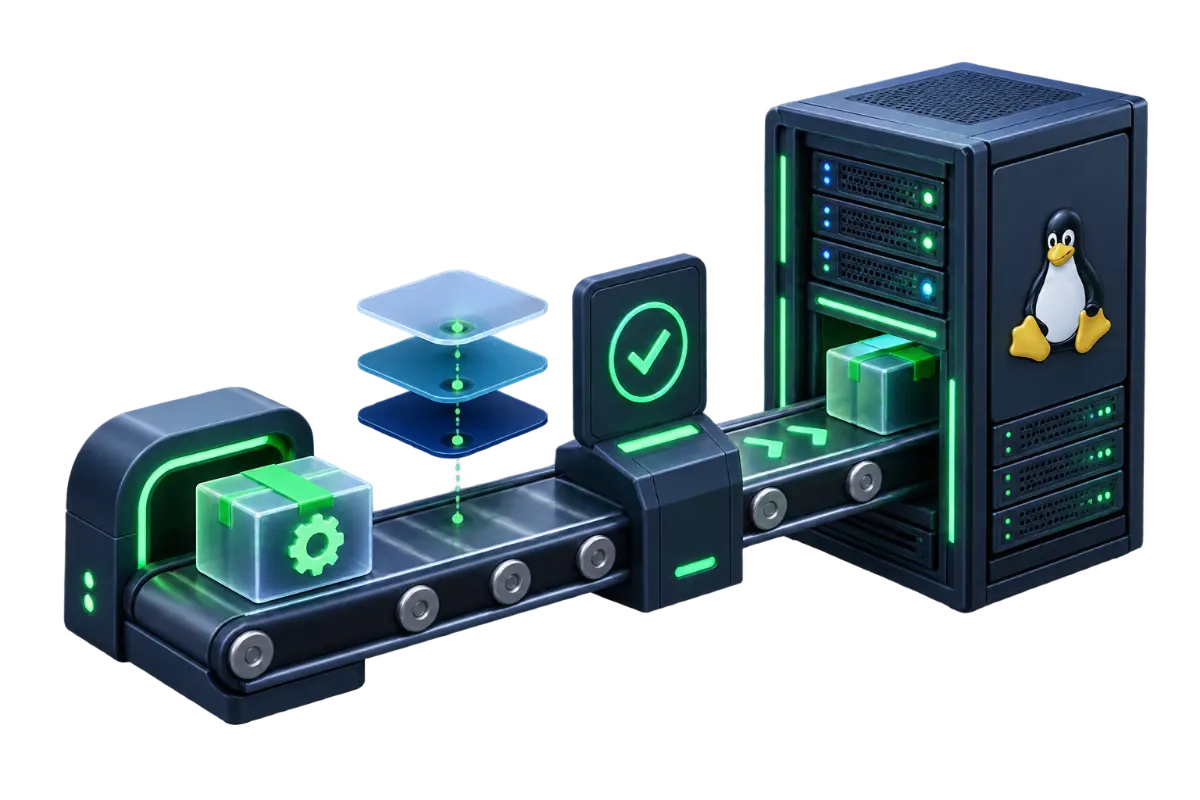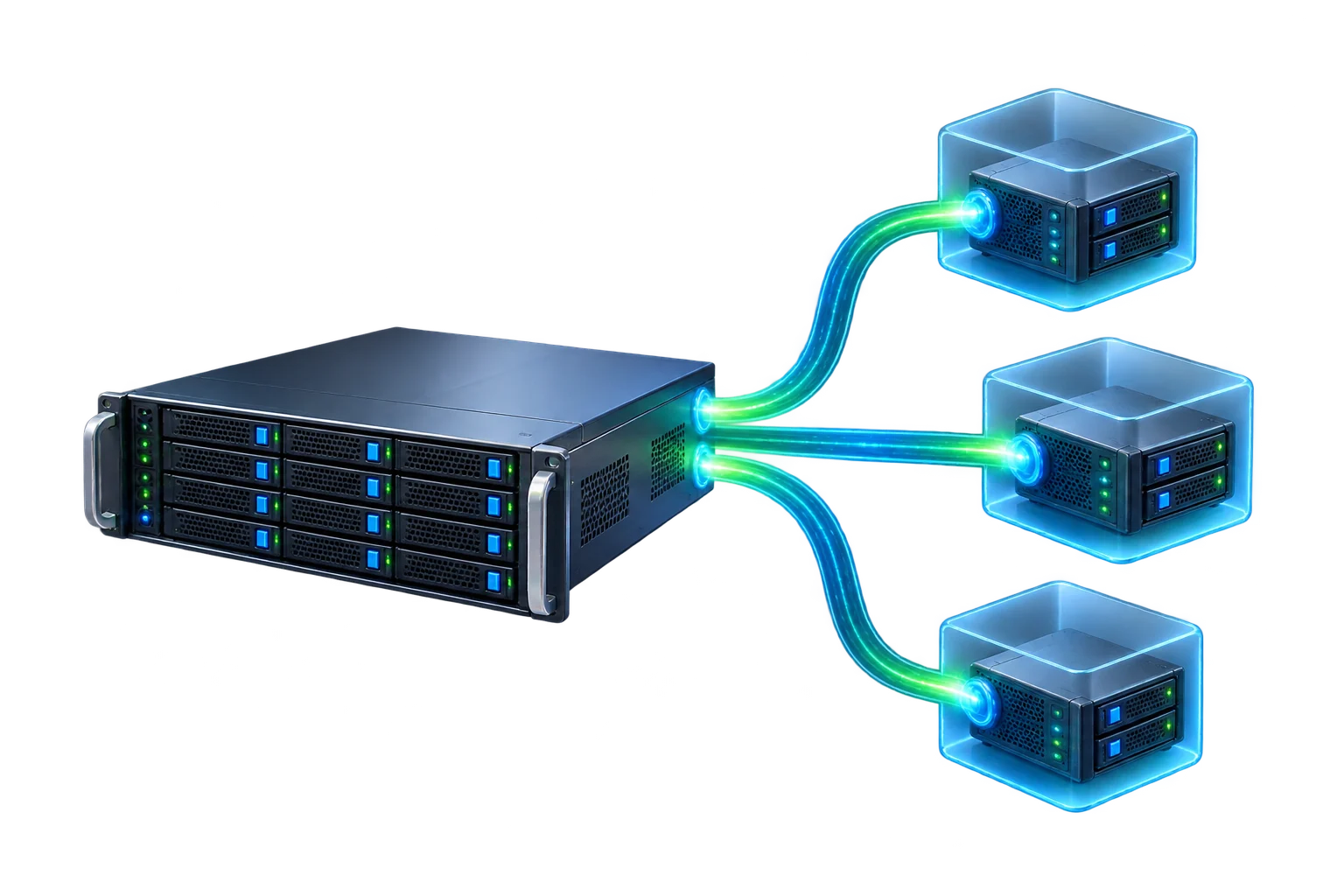
A firewall, in the context of a web server, usually refers to one of two genuinely different things: a network-level firewall that filters traffic based on port, protocol and source address before it reaches any application, or a web application firewall (WAF) that inspects the actual content of HTTP requests for patterns associated with specific attacks. Both are commonly just called "a firewall," which obscures that they protect against almost entirely different categories of attack and operate at different layers of the stack.
Network-level firewalls: filtering by port and protocol
A network-level firewall (tools like iptables, nftables, or a cloud provider's security group configuration are common implementations) makes decisions based on connection-level information: which port a connection is trying to reach, which protocol it's using, and often the source IP address. A rule might allow incoming connections on port 443 (HTTPS) and port 22 (SSH) from anywhere, while blocking every other port outright. This layer has no visibility into what's actually inside an allowed connection — it doesn't read HTTP request content at all, it simply decides whether a connection attempt is permitted to happen based on where it's headed and where it's coming from.
Web application firewalls: inspecting the request itself
A web application firewall sits at the HTTP layer, inspecting the actual content of requests that have already been allowed through at the network level — URL parameters, form submissions, headers, cookies — looking for patterns associated with specific attack types: SQL injection attempts (malicious SQL syntax embedded in an input field, trying to manipulate a database query), cross-site scripting attempts (malicious script embedded in input that gets rendered back to other users), and similar application-layer attacks. A WAF can block a request that's using a technically valid HTTPS connection on an allowed port but whose actual content is a known attack pattern — exactly the kind of threat a network-level firewall has no ability to see, since the connection itself looks completely legitimate at that layer.
A worked example: what each layer would and wouldn't catch
Consider two different incoming requests. The first is a connection attempt on port 3306 (the default MySQL port) from an unfamiliar IP address, trying to connect directly to the database server. A network-level firewall configured to only allow 80, 443 and SSH blocks this outright — the port itself isn't permitted, regardless of what the connection intended to do. A WAF never even sees this attempt, because it never reaches the HTTP layer the WAF inspects. The second is a request to the website's own login form, submitted over the normal HTTPS port using a field value crafted to contain SQL injection syntax, attempting to bypass authentication or extract data. A network-level firewall allows this through without hesitation — it's a normal HTTPS connection on an allowed port, nothing about it looks unusual at that layer. A WAF, inspecting the actual submitted content, can recognize the injection pattern and block the request before it reaches the application. Each layer catches exactly what the other one structurally can't see. A third example makes the contrast even sharper: an automated scanner probing hundreds of sequential ports looking for anything responding is stopped almost entirely by the network-level firewall, since nearly all of those ports are simply closed; a slow, low-volume credential-stuffing attempt against the login form, using valid-looking HTTPS requests on the one port that is open, passes straight through the network layer and depends on either a WAF's pattern and rate-based rules or application-level protections to be caught at all.
A default-deny port policy in practice
For a typical web server, a practical network-level firewall policy starts from denying everything by default and explicitly allowing only what's actually needed: port 443 for HTTPS, port 80 for HTTP (often configured to redirect to HTTPS rather than serve content directly), and the SSH port for administrative access — ideally restricted to a specific known IP range where that's feasible, rather than open to the entire internet. Database ports, admin panel ports, and anything else not meant for direct public access should not be open at all; where a database needs to be reachable, that's typically handled through an internal/private network connection or an SSH tunnel rather than exposing the database port directly to the public internet.
Rate limiting: a third kind of protection
Alongside port filtering and request-content inspection, rate limiting restricts how many requests a single source can make within a given time window — a different kind of protection from either of the two layers above, since a flood of entirely legitimate-looking login attempts or search queries from one source isn't blocked by port rules (the port is supposed to be open) or typically flagged by a WAF's pattern matching (none of the individual requests necessarily look malicious on their own). A reasonable rate limit on a login endpoint, for instance, might allow a handful of attempts per minute from a single IP before temporarily blocking further attempts — slowing a brute-force or credential-stuffing attempt to a pace that makes it impractical, without affecting a legitimate user who mistypes a password once or twice. Many WAF products bundle rate limiting alongside content inspection, but it's worth recognizing it as a conceptually separate protection, since it's the layer that specifically catches volume-based abuse neither port filtering nor pattern matching is built to address.
Common mistakes
Treating either layer as sufficient on its own is the most common mistake — a tightly locked-down network firewall still leaves every application-layer vulnerability exposed to anyone connecting over an allowed port, and a WAF with no network-level restrictions still leaves every other port and service reachable to anyone who finds them. Another common mistake is opening a port temporarily for testing or a one-off task and forgetting to close it afterward — an open, unused port is a liability even if nothing is currently listening on it, since it widens what's reachable the moment something does end up listening there. A related mistake is assuming a WAF's default rule set, often based on widely published common-vulnerability patterns, needs no further attention once enabled — default rules catch a broad range of generic attack patterns, but an application with unusual input handling or a custom API can need rules tuned specifically for it, and a default configuration left entirely untouched sometimes either misses an application-specific risk or generates enough false positives on legitimate traffic that someone quietly disables it to stop the complaints, which defeats the purpose either way.
How the two layers work together
The two layers are complementary rather than redundant: the network-level firewall minimizes what's reachable at all, and the WAF inspects the content of whatever traffic is allowed through at the application layer that matters most — HTTP requests to the website itself. Applying least-privilege network rules (covered as one part of the broader checklist in Linux Server Security Basics for Website Owners) alongside application-layer protection closes both the "what can reach this server" question and the "what's actually inside the traffic that's allowed to reach it" question — neither one answers the other. For a server running a single, well-understood application, this often doesn't require separate dedicated hardware or services for each layer — a network-level firewall configured directly on the server alongside a WAF module or reverse proxy in front of the application covers both layers without needing much more than the time to configure each one deliberately, rather than assuming one implies the other.