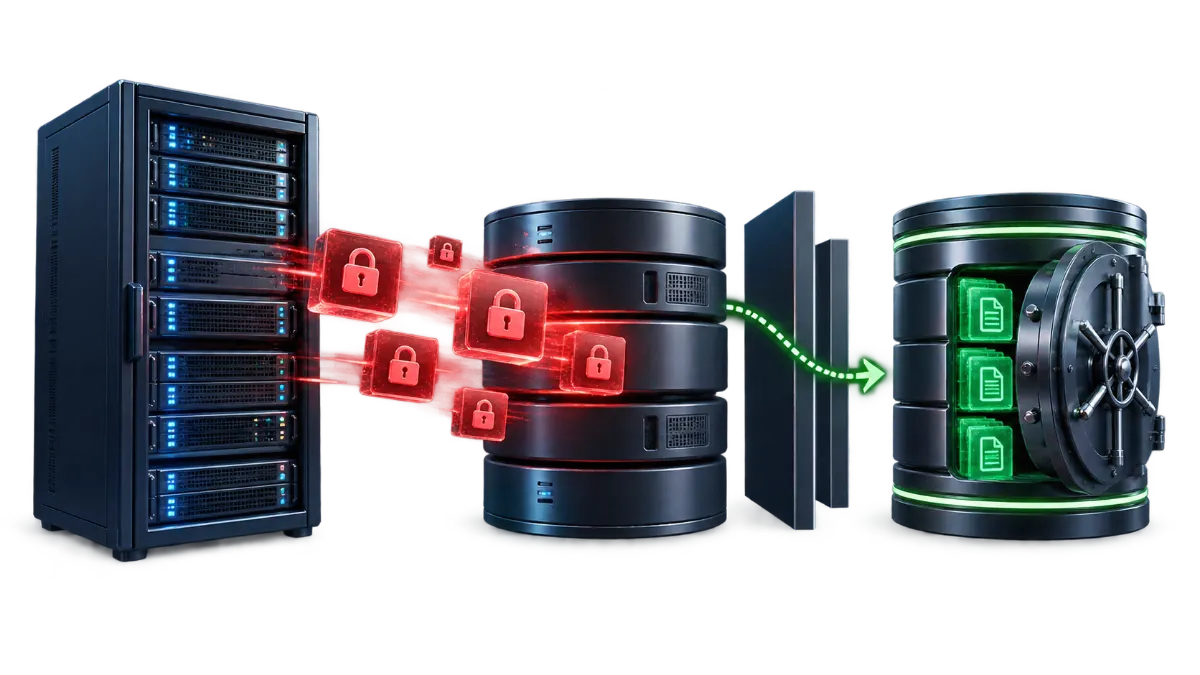
Disaster recovery is broader than backups alone — how backups actually work and how often to take them are the mechanics this article assumes rather than re-explains. Disaster recovery is the plan for what happens next: what to actually do, in what order, once an incident has already happened, decided in advance rather than improvised in the moment.
Backups vs. disaster recovery
A backup is a copy of data. Disaster recovery is the process of using that copy (and everything else needed) to get a business back to normal operation after something has gone wrong — and the difference matters because having backups with no plan for how to use them under pressure still leaves a business improvising during the worst possible moment to be improvising. A written plan, even a short one, converts "we have backups somewhere" into "here's exactly what we do, in what order, right now." The distinction matters most precisely when it's least convenient to work it out — during an active incident, under time pressure, often with whoever's available rather than whoever's most familiar with the hosting setup trying to make the right call quickly.
Realistic incident scenarios
Two common, realistic scenarios illustrate why a plan matters beyond just having backups. First: a hosting account is compromised through an outdated plugin (the kind of entry point covered in cPanel Security), and malicious code is now present somewhere in the site's files — the question isn't just "restore from backup," it's which backup predates the compromise, since restoring a backup taken after the compromise happened simply restores the malware along with everything else. Second: a hosting provider experiences an extended outage unrelated to anything the business did — here the backup itself might be fine, but the plan needs to answer where the site gets restored to and how quickly that's realistically achievable, not just that a backup exists somewhere.
A practical recovery workflow
A reasonable sequence, applicable regardless of the specific incident that triggered it: first, confirm the actual scope of the problem — is it the website only, or also email and other services, and is the cause identified or still unknown. Second, if a compromise is suspected rather than simple hardware or provider failure, isolate the affected systems before restoring anything — taking the site offline temporarily if needed — to avoid immediately reintroducing the same vulnerability or continuing to expose visitors to it while recovery is underway. Third, restore from a backup — specifically a known-clean one, covered next. Fourth, verify everything that depends on the restored site actually works correctly post-recovery: DNS still resolving correctly, email still sending and receiving, SSL still valid, and the site itself functioning as expected rather than just visually loading. Fifth, if customers were affected by visible downtime, communicate about it, covered further below. Writing down what actually happened and what fixed it, even briefly, once the incident is resolved, is worth doing too — it's the detail most often skipped once things are working again, and it's exactly what makes the next incident, if there is one, faster to diagnose.
Why the most recent backup isn't always the right one
In a compromise scenario specifically, the most recent backup is not automatically the safest choice — if it was taken after the compromise occurred, restoring it faithfully brings the malicious code or unauthorized change right back along with everything legitimate. The practical approach is identifying, as closely as possible, when the compromise likely started (sometimes visible from file modification dates, unusual log entries, or simply the last point the site is confirmed to have behaved normally) and restoring from a backup confirmed to predate that point, then carefully reapplying any legitimate content changes made since. This is slower than just grabbing the latest backup, and it's the right tradeoff specifically because restoring a compromised backup can mean repeating the entire incident shortly after declaring it resolved.
What to have ready before an incident
- An offsite or separate backup copy — not just a backup stored in the same hosting account it's protecting, since an incident affecting the account (or the server, or the provider) can take the backup down along with everything else it was meant to protect.
- Documented access credentials reachable by more than one person — hosting account access, domain registrar access, and any other critical system shouldn't depend on a single person being available and reachable at the exact moment of an incident.
- A basic written recovery plan — even a short one covering the workflow above in this business's specific context (who does what, which backups are considered trustworthy, who to contact at the hosting provider) is dramatically more useful in the moment than reconstructing a plan from scratch during an active incident.
- A record of everything connected to the domain's DNS — so verifying "everything still points correctly" post-recovery is a checklist, not a guess.
Testing the plan before you need it
A written plan that's never actually been exercised has a specific, common failure mode: the backup it points to turns out to be incomplete, corrupted, or simply not restorable the way everyone assumed, and this is discovered for the first time during a real incident, at the worst possible moment to discover it. A periodic test restore — taking a current backup and actually restoring it to a separate, non-production location, then confirming the site functions correctly there — is the only way to know the backup and the plan both actually work, rather than trusting that they do. This doesn't need to happen often to be valuable; even an annual test restore catches the kind of silent backup failure (a misconfigured backup job quietly excluding the database, for instance) that can otherwise go unnoticed for months.
Communicating during an outage
If customers experienced a visible outage or disruption, a brief, honest update once the cause is understood and a fix is underway generally serves a small business better than silence — it doesn't need to be a detailed technical disclosure, just an acknowledgment that something was wrong and is being addressed. This is a judgment call specific to each business and incident, but having even a basic default plan (an email to customers, a note on social media, a status message on the site itself once it's back up) decided in advance removes one more decision that otherwise has to be made under pressure during the incident itself.
What this actually costs to put in place
None of this requires enterprise-level infrastructure or a dedicated IT team — a small business can realistically have an offsite backup copy, accessible credentials, and a short written plan in place without significant cost or ongoing effort, and the value of having done so only shows up at the one moment it's actually needed. The alternative — good backups with no plan for using them — still leaves the hardest decisions (which backup is actually safe to restore, who has access to make that call, how to communicate with customers) to be worked out for the first time during an active incident. No specific recovery-time guarantee is implied here: the realistic goal is a clear, rehearsed process that makes recovery as fast as the situation genuinely allows, not a fixed promise about how quickly any given incident resolves.