RAID (Redundant Array of Independent Disks) combines multiple physical drives into a single logical storage unit, arranged so the array can tolerate one or more drive failures without losing data or, in some configurations, without even going offline. It's a real and valuable protection — but specifically against drive hardware failure, which is a narrower kind of protection than it's sometimes assumed to provide.
What RAID actually does
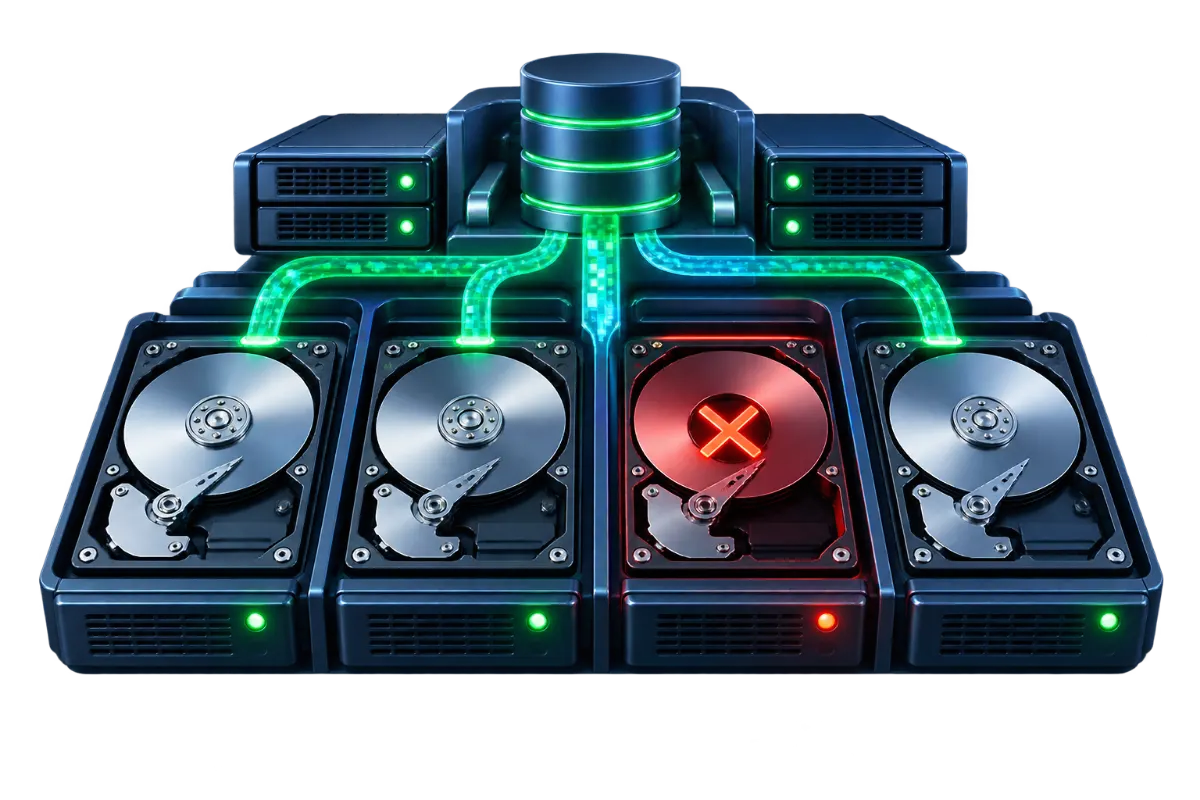
Depending on the specific RAID level, data is either duplicated across drives (mirroring) or split and distributed across them with additional recovery information included (striping with parity), so that if one drive in the array fails, the data it held can be reconstructed or was already duplicated elsewhere in the array. The practical effect is that a single drive failure — a routine, expected hardware event over a server's operational life — doesn't mean data loss or necessarily even downtime, since the array continues operating (in a degraded state) while the failed drive is replaced and the array rebuilds.
RAID 1: mirroring
RAID 1 duplicates data identically across two (or more) drives — every write happens to both simultaneously, so each drive is a complete, independent copy of the same data. Usable capacity is 50% of total raw capacity with two drives (two 1TB drives provide 1TB usable, not 2TB), since the second drive isn't additional space, it's a mirror of the first. The tradeoff for that capacity cost is simplicity and strong redundancy: either drive can fail entirely and the array keeps running without interruption on the surviving copy.
RAID 5: striping with distributed parity
RAID 5 spreads data across three or more drives along with parity information (data that allows a missing piece to be mathematically reconstructed), distributed across all the drives in the array rather than stored entirely on one. This gives better usable-capacity efficiency than RAID 1 — with N drives, usable capacity is roughly (N-1) drives' worth, so a 4-drive RAID 5 array provides about 3 drives' worth of usable space rather than 2. The tradeoff is rebuild time and risk: reconstructing a failed drive's data from parity is computationally intensive and takes meaningfully longer than mirroring's simple copy, and during that rebuild window the array has no further redundancy — a second drive failure before the rebuild completes causes actual data loss, which is a real risk on larger, older drives where rebuild times can stretch to many hours or more.
RAID 10: mirrored stripes
RAID 10 combines both approaches: drives are arranged in mirrored pairs, and those pairs are then striped together, giving both the strong redundancy of mirroring and the performance benefit of striping data across multiple pairs. Usable capacity is the same 50% as RAID 1 (it's still fundamentally pairs of mirrors), which costs more in drives for a given amount of usable storage than RAID 5, but it generally rebuilds faster than RAID 5 (only the affected mirrored pair needs to rebuild, from its intact partner, not the entire array recalculating from parity) and sustains better read/write performance under load, which is why it's a common choice for database workloads with heavy, consistent I/O.
A worked example: rebuild time and risk
Consider a 4-drive RAID 5 array using large-capacity drives, where one drive fails. Reconstructing that drive's data means reading the entirety of the three surviving drives and recalculating the missing data from parity — a process that can take many hours to over a day on large modern drives, during which the array has zero further redundancy: a second drive failure before the rebuild finishes means the array's data is actually lost, not just degraded. Compare that to a RAID 10 array of the same total drive count: a single drive failure only affects its one mirrored partner, and rebuilding means copying directly from that intact partner drive — a simpler, typically faster operation that also leaves the rest of the array (the other mirrored pairs) fully redundant throughout. This is the concrete shape of the capacity-versus-risk tradeoff mentioned above, not just an abstract concern — it's specifically about how long the array sits in a vulnerable state after a failure, and how much of the array that vulnerability actually covers.
Hot spares: reducing the exposure window
A hot spare is an extra drive installed in the array but not actively used for storage — sitting ready so that when a drive fails, the array can begin rebuilding onto the spare immediately, without waiting for someone to notice the failure and physically replace the drive first. This doesn't change the fundamental rebuild-time tradeoff between RAID levels, but it does remove the often-larger delay of human response time from the exposure window, which in practice can matter more than the rebuild computation itself — a failed drive sitting unnoticed over a weekend is a longer vulnerable window than the rebuild process itself typically takes.
Side-by-side comparison
| RAID level | Minimum drives | Usable capacity | Fault tolerance | Typical use case |
|---|---|---|---|---|
| RAID 1 | 2 | 50% | 1 drive (per mirrored pair) | Simple redundancy, boot/system drives |
| RAID 5 | 3 | (N-1)/N | 1 drive, array vulnerable during rebuild | Capacity-efficient general storage |
| RAID 10 | 4 | 50% | 1 drive per mirrored pair, often more depending on which drives fail | Database workloads needing performance and redundancy |
Why RAID is not a substitute for backups
This is the single most important point to take from an article on RAID: it protects against one specific failure mode — a physical drive dying — and nothing else. It does nothing to protect against accidental deletion (a RAID array faithfully and immediately replicates a deleted file's absence across every drive in the array, just as reliably as it replicates any other change), ransomware or malware (which encrypts or corrupts data that RAID then dutifully keeps in sync across the array), a software bug that corrupts a database, or any application-level mistake. RAID answers "what happens if a drive fails" — it has no answer at all for "what happens if the data itself becomes wrong," which is exactly the gap backups exist to cover. A server with excellent RAID redundancy and no backups is fully protected against hardware failure and completely unprotected against almost every other realistic cause of data loss.
Choosing a RAID level
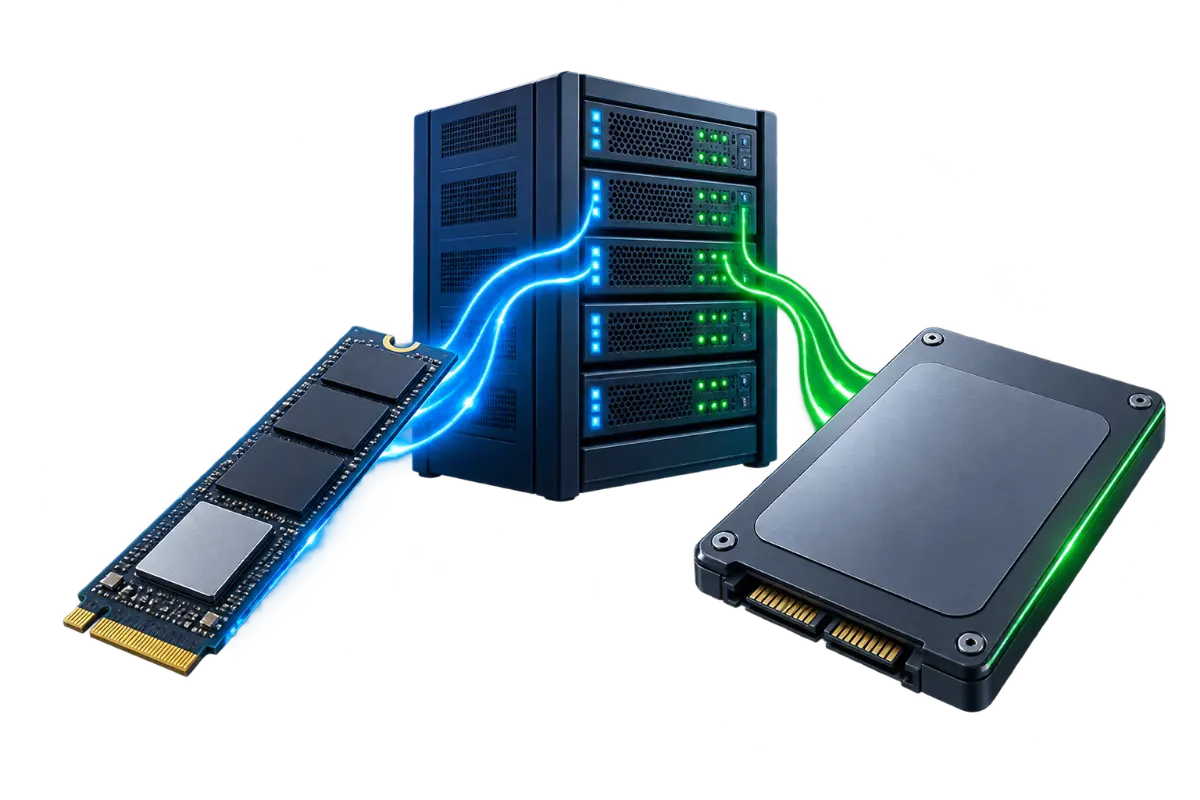
For a typical web-hosting workload without unusually heavy, sustained database I/O, RAID 1 or RAID 10 are both reasonable choices depending on budget and drive count — RAID 1 as the simpler, lower-drive-count option, RAID 10 where performance under concurrent load matters more and the budget supports the additional drives it requires. RAID 5 suits workloads prioritizing storage efficiency over raw performance and where rebuild-window risk is actively managed (smaller drives rebuild faster, and monitoring that triggers prompt replacement of a failed drive reduces the exposure window). None of these decisions matter for data durability against anything other than drive failure — that protection comes from backups regardless of which RAID level is chosen, which is exactly why RAID and a backup strategy are complementary, not alternatives to pick between. See Dedicated Server vs. VPS for how RAID configuration typically fits into a dedicated server's storage setup, and NVMe Hosting Explained for how drive technology itself, independent of RAID level, affects raw performance.