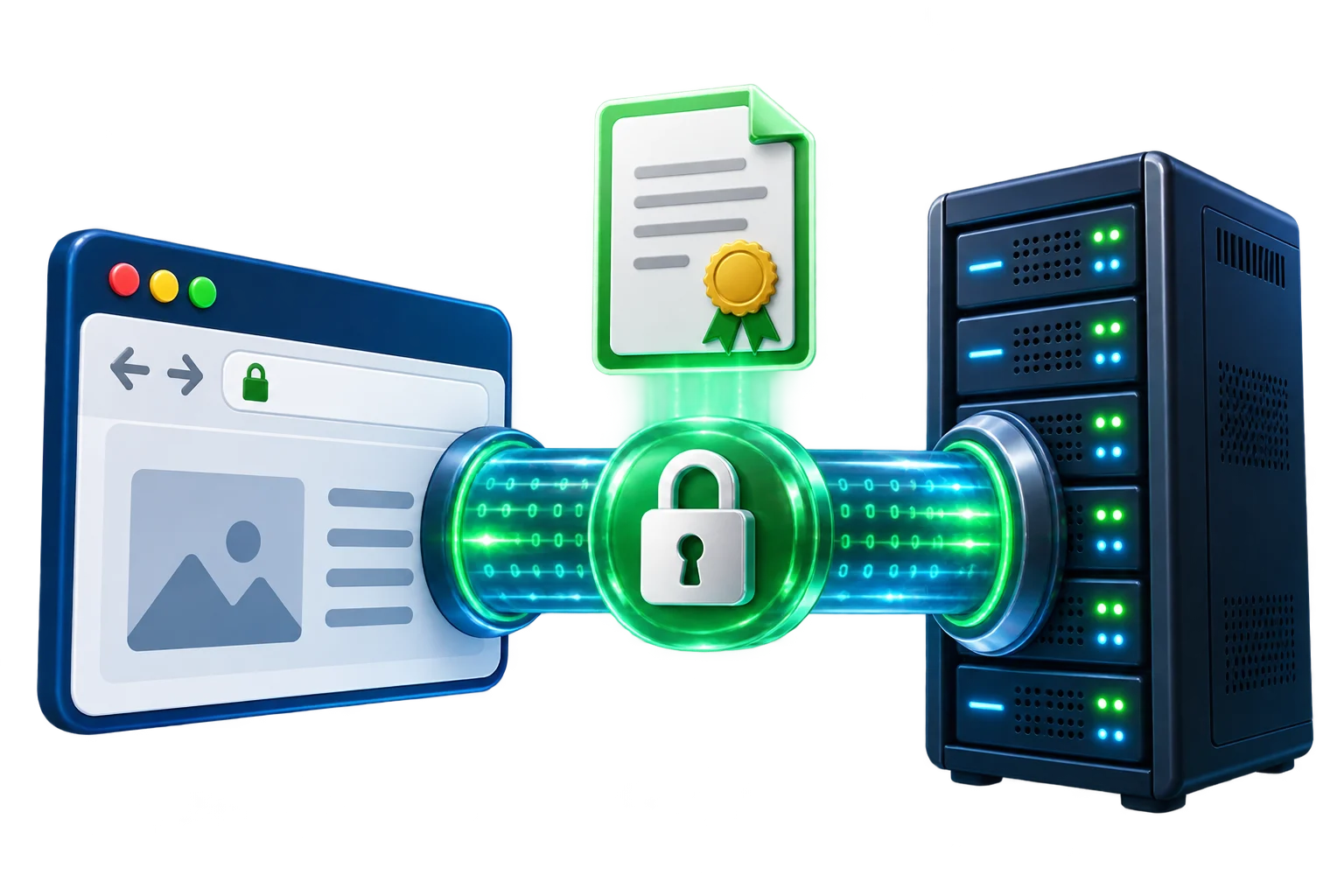
"SSL" is the name that stuck, even though the current protocol is TLS — SSL's technical successor. Either way, the certificate installed on a server does two distinct jobs: it encrypts the connection between browser and server so a third party on the network can't read or tamper with the traffic, and it proves, to varying degrees, that the server actually belongs to the organization it claims to.
What an SSL certificate actually does
Without a certificate, a browser connects to a server over plain HTTP, and everything sent — form submissions, session cookies, page content — travels in a form anyone on the same network path can read or modify. A certificate enables HTTPS: the browser and server perform a handshake that establishes an encrypted channel, so the same traffic is unreadable to anyone intercepting it, and the browser can verify the certificate was issued by a trusted authority for the domain being visited.
That second part — verification — is where certificate types diverge. Every valid certificate encrypts traffic equally well; what differs is how much identity checking the certificate authority did before issuing it.
DV, OV and EV: what the validation levels mean
Domain Validated (DV) certificates confirm only that the applicant controls the domain — typically via a DNS record, an email to an address at the domain, or a file placed on the web server. Issuance is usually automated and can complete in minutes. This is sufficient for the vast majority of websites, including e-commerce, since encryption itself doesn't depend on the validation level.
Organization Validated (OV) certificates add a manual check that the requesting organization is a real, registered legal entity, cross-referenced against official business records. Issuance takes longer — typically one to a few business days — and the organization's verified name is included in the certificate's details, viewable by anyone who inspects it.
Extended Validation (EV) certificates require the most thorough vetting: legal, physical and operational existence of the business is confirmed through multiple independent sources. EV certificates were historically shown with a green address-bar indicator in older browsers; most current browsers no longer surface that visual distinction in the address bar itself, though the verified organization details remain embedded in the certificate for anyone who checks.
How the handshake actually works
At a high level, the TLS handshake does four things every time a browser connects to an HTTPS site: the server presents its certificate; the browser verifies the certificate chains back to a trusted root authority and hasn't expired or been revoked; the two sides agree on a shared encryption key using public-key cryptography, without ever transmitting that key in a way an eavesdropper could capture; and all subsequent traffic in that session is encrypted using that shared key. This happens in the background on every page load and typically adds only a small, one-time latency cost per new connection, largely hidden by connection reuse and modern TLS session resumption.
The certificate chain: leaf, intermediate, root
A certificate is rarely trusted in isolation. The certificate installed on a server — the leaf or "end-entity" certificate, issued for that specific domain — is signed by an intermediate certificate belonging to the certificate authority, and that intermediate is in turn signed by a root certificate. Browsers and operating systems ship with a built-in list of trusted root certificates; they don't need to know about a specific site's leaf certificate in advance, only that it chains back, link by link, to a root they already trust.
This is why a server has to be configured to present the full chain — the leaf certificate plus the intermediate — not just the leaf alone. A common misconfiguration is installing only the leaf certificate: browsers that already happen to have the intermediate cached will still show the site as secure, which makes the problem easy to miss during a quick check, while browsers and other clients (some mobile browsers, most command-line tools) that don't have it cached will fail the connection entirely. A proper chain, served completely by the server, removes that dependency on the client already having the right intermediate on hand.
Checking a certificate in your browser
Verifying what's actually installed takes under a minute and doesn't require any special tools:
- Click the padlock icon (or similar security indicator) at the left of the browser's address bar.
- Open the connection or certificate details — the exact wording varies by browser, but it's usually labeled "Connection is secure" or "Certificate is valid."
- View the certificate itself. Check three things: the domain it was issued for matches the site being visited (including whether it covers
wwwand the bare domain, or uses a wildcard); the expiry date is still in the future, ideally with a reasonable margin rather than a few days away; and the issuer (certificate authority) is one that's recognizable, rather than an unexpected or unfamiliar name, which can indicate a misconfigured proxy or, in rarer cases, interception.
This same check is worth running immediately after installing or renewing a certificate, rather than assuming the padlock icon alone means everything is configured correctly — the icon confirms encryption is active, not that the chain, domain match and expiry are all exactly as expected.
Why every site needs HTTPS now, not just checkout pages
HTTPS used to be treated as something only checkout and login pages needed. Three changes made that outdated: browsers now visibly flag plain-HTTP pages as "Not Secure," which erodes trust on any page a visitor lands on, not just forms; search engines use HTTPS as a ranking signal, so an unencrypted site is at a measurable disadvantage; and modern web features — including HTTP/2, many browser APIs, and most third-party embeds — either require or strongly prefer a secure context to function at all. A single site-wide certificate, correctly configured, resolves all of this at once.
Choosing a certificate
For most sites, a DV certificate covering the domain (and, with a wildcard or multi-domain certificate, its subdomains) is the right choice — it's fast to issue, renews easily, and provides identical encryption strength to OV or EV. OV or EV is worth the extra verification time specifically when a business wants the verified organization identity embedded in the certificate itself, which matters more in some regulated or high-trust B2B contexts than it does for a typical consumer site. See ANYSRV's SSL certificate options for the available validation levels.
Common mistakes: expiry, mismatch and mixed content
Three problems account for nearly all real-world certificate issues:
- Expiry. Certificates are issued for a fixed period and must be renewed before that date. A lapsed certificate presents every visitor with a hard, full-page browser warning rather than a subtle degradation — there's no partial failure state. Automated renewal, where the hosting platform supports it, removes this as a recurring manual task that's easy to forget.
- Domain mismatch. A certificate issued for
example.comalone won't satisfy a browser visitingwww.example.com, or a subdomain likeshop.example.com, unless it was specifically issued as a wildcard or multi-domain certificate covering those names. This most often shows up right after a new subdomain launches on infrastructure that already has a certificate — the certificate needs to be reissued or replaced to include the new name, not assumed to already cover it. - Mixed content. A page served over HTTPS that still loads some resources — an image, a script, a stylesheet — over plain HTTP. Browsers block or flag this, since a single insecure resource on an otherwise secure page reintroduces exactly the interception risk HTTPS is meant to prevent. The fix is almost always updating hardcoded
http://URLs in the site's own code or database to protocol-relative or HTTPS URLs.
What HTTPS does not do
It's worth being precise about the boundary here: a valid SSL/TLS certificate protects data in transit and confirms the domain matches who issued the certificate — it says nothing about the security of the application behind it. A site can serve a perfectly valid certificate and still run outdated software with known vulnerabilities, use weak account passwords, or have a SQL injection flaw in its own code. HTTPS is a necessary baseline, not a substitute for keeping the server, CMS and any plugins patched, or for the other layers covered in Common Website Security Mistakes and general server hardening. Treating the padlock icon as proof that "the site is secure" in a general sense is the most common misunderstanding of what a certificate actually verifies.